If you opened YouTube Studio expecting a new Shorts thumbnail button and only found a frame picker, you are not imagining things. YouTube’s July 2026 update is rolling out in different ways depending on the format, the device, and whether your channel is eligible for the newer access level.
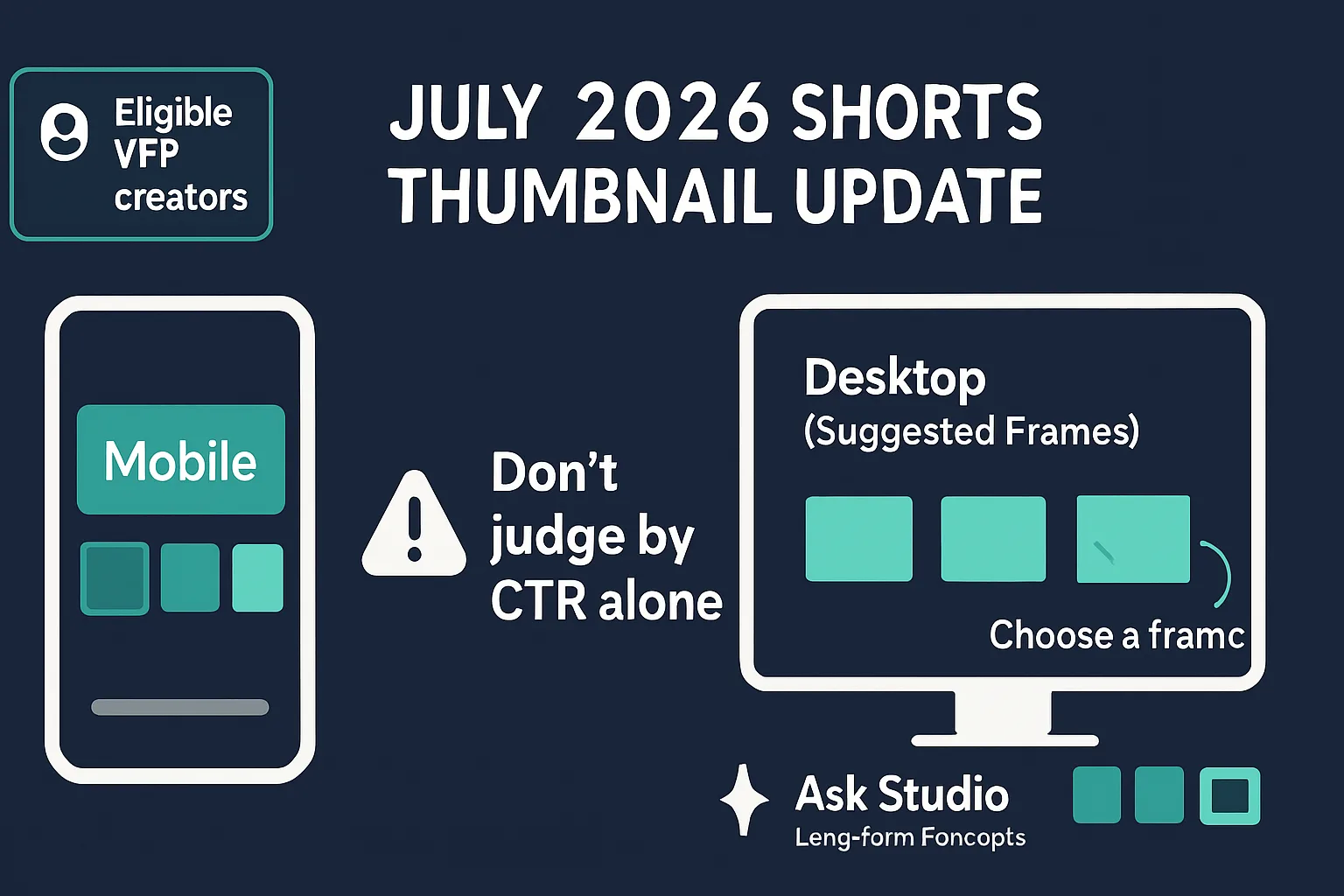
In plain terms, the update does three separate things: eligible YouTube Partner Program creators can upload fully custom thumbnails for Shorts, desktop now shows three suggested thumbnail frames for Shorts, and mobile still keeps frame selection in the app. Separately, Ask Studio can help generate and refine thumbnail concepts for long-form videos.
Quick read: This is not one universal Shorts thumbnail switch. It is a mix of eligibility-based custom uploads, desktop frame suggestions, mobile frame selection, and long-form thumbnail ideation inside Ask Studio.
What YouTube changed
The easiest way to understand the update is to look at each tool on its own:
| Feature | Where it appears | What it does |
|---|---|---|
| Fully custom Shorts thumbnails | Shorts for eligible YouTube Partner Program creators | Lets creators upload a designed thumbnail instead of choosing a frame from the video |
| Suggested Shorts frames | Shorts on desktop | Shows three suggested frame options from the video |
| Frame selection | Shorts on mobile | Lets creators keep selecting a frame through the mobile app flow |
| Ask Studio thumbnail concepts | Long-form videos | Generates and refines thumbnail ideas using conversational controls such as colors and layouts |
The official YouTube announcement explains the broader update in more detail on YouTube’s blog.
Who can use custom Shorts thumbnails right now?
YouTube said fully custom thumbnails for Shorts are available to eligible YouTube Partner Program creators, with broader availability planned over time. That means the feature is real, but it is not safe to assume every channel will see it immediately.
If you do not see the option, the most likely explanations are simple: your channel has not reached the current access level, the rollout has not reached you yet, or you are checking in the wrong place in Studio.
What to verify first
- Confirm that your channel is eligible for the YouTube Partner Program.
- Open the Shorts upload or edit flow, not just general video settings.
- Check both desktop and mobile, since the available controls are different.
- Make sure YouTube Studio and the mobile app are updated.
- Look for the feature in the exact place where you publish or edit Shorts.
A missing control is not, by itself, a sign that something is broken. It often just means the rollout has not reached your channel or device yet.
How desktop and mobile now differ
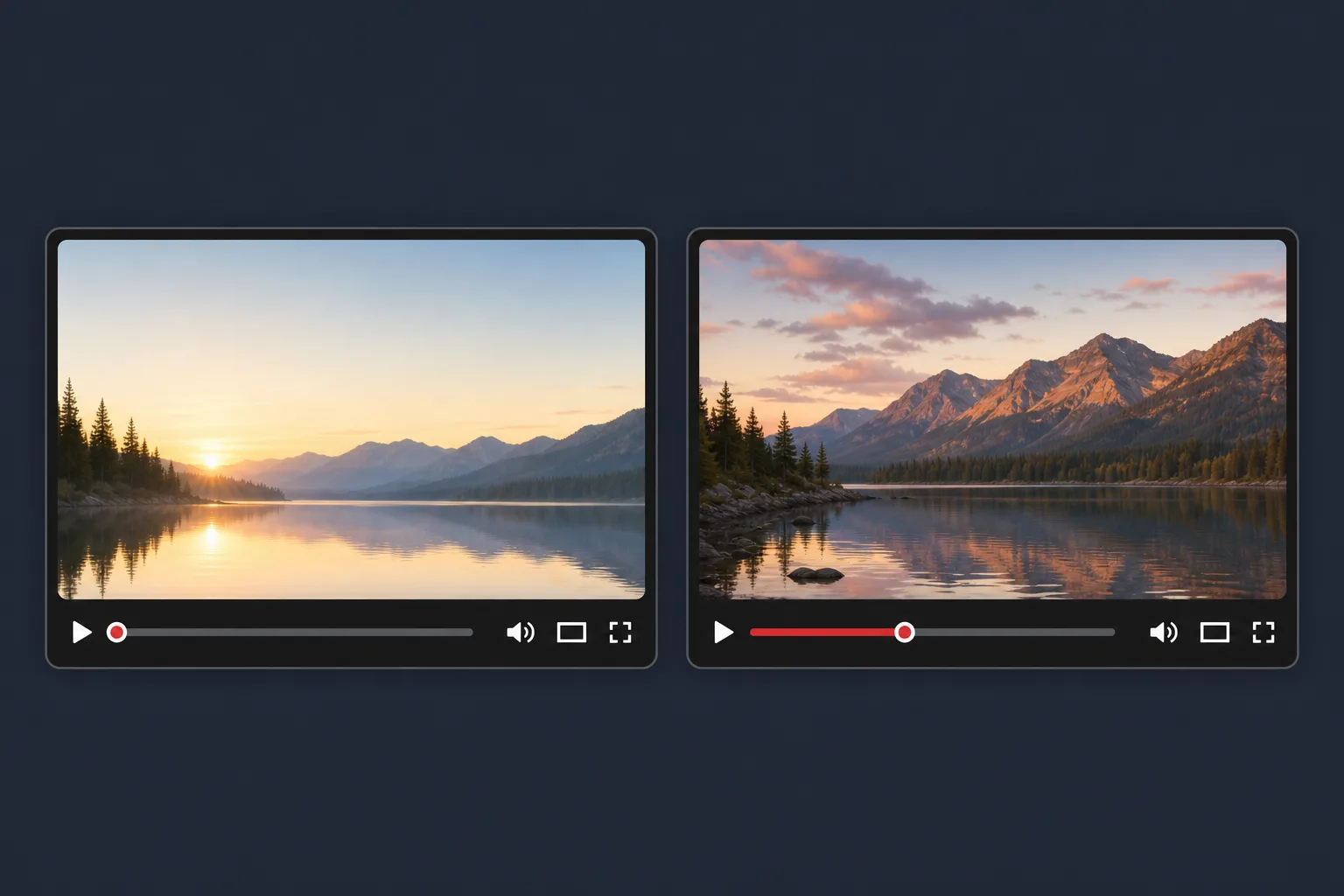
On desktop, YouTube added three suggested thumbnail frames for Shorts. That gives creators a few built-in choices when the default frame is awkward, blurry, or simply not the best visual summary of the video.
On mobile, frame selection still works through the app. In practice, that means the mobile experience remains closer to the familiar flow of scrubbing through the video and picking a moment that best represents the Short.
For example, if a recipe Short ends with the finished dish, desktop might offer three reasonable stills, while mobile lets you choose a frame that shows the plated result more precisely. If you are eligible for custom Shorts thumbnails, you can go one step further and upload a designed image rather than relying on a frame capture at all.
Important distinction: A custom thumbnail can make a Short easier to understand, but it should still match the video. Clear packaging helps; misleading packaging backfires.
Where Ask Studio fits
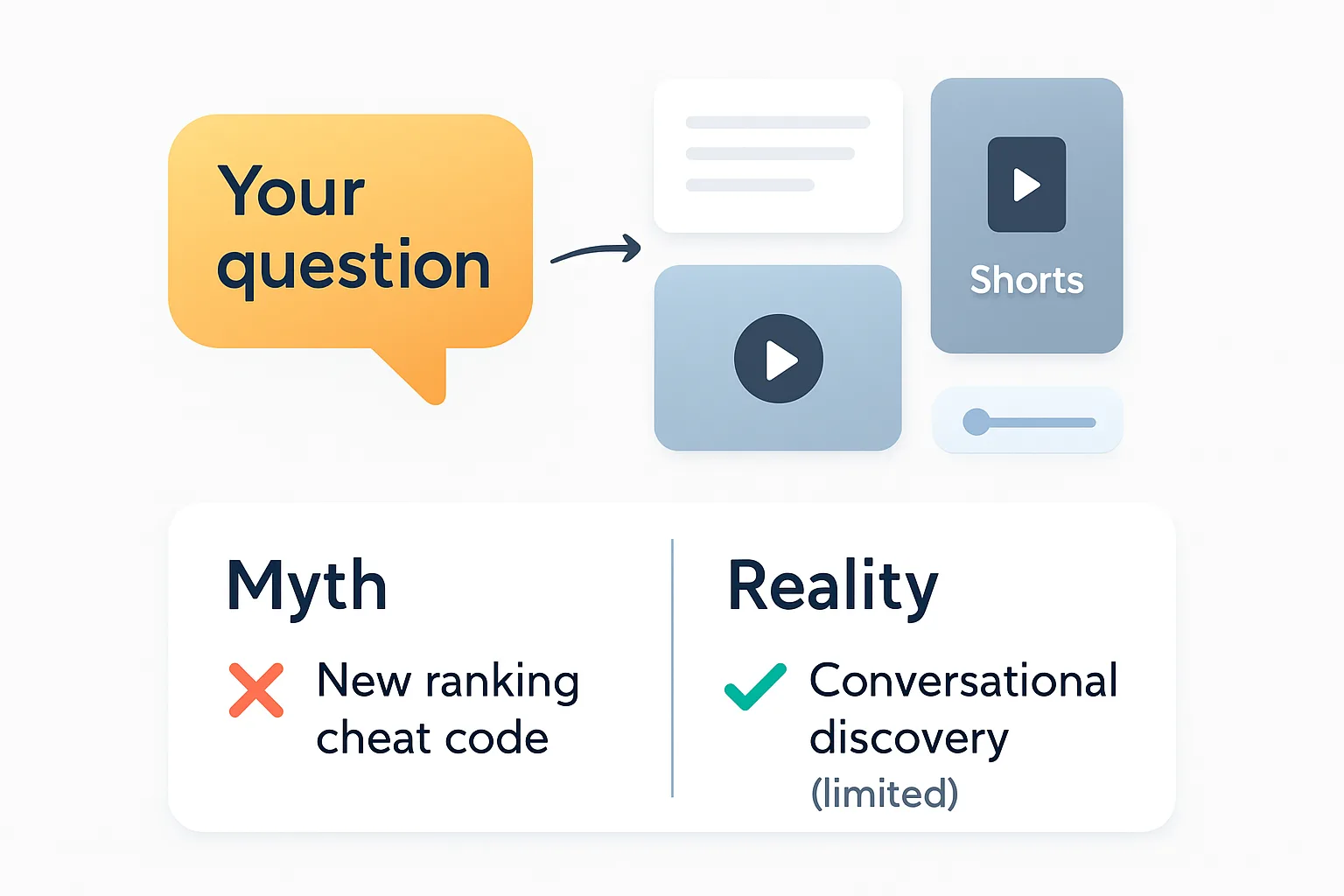
Ask Studio is part of the same overall packaging story, but it applies to long-form videos rather than Shorts thumbnail uploads. YouTube says it can generate and refine thumbnail concepts using prompts that shape things like colors and layouts.
That makes it useful when you want to explore a few visual directions quickly. It does not mean Ask Studio is a confirmed Shorts custom-thumbnail generator. For now, the Shorts update and the Ask Studio update should be treated as related but separate features.
A simple use case might look like this: a creator wants a cleaner thumbnail for a how-to video, asks for a higher-contrast layout, then narrows the concept to one version that remains readable at small sizes.
Why this update matters for packaging
This rollout is really about control. YouTube is giving some creators more ways to decide what a viewer sees before they click or tap. For Shorts, that means better options for choosing or designing the first visual impression. For long-form videos, it means another route for shaping thumbnail ideas without starting from scratch.
That said, more control is not the same as better performance. A thumbnail can improve clarity and expectation-setting, but it does not guarantee more views or stronger distribution.
The real win is simpler: viewers can more quickly tell what the video is about and whether it is relevant to them.
How to read performance without overreacting
When creators start changing thumbnails, CTR is usually the first metric they check. YouTube’s help guidance is clear that CTR should be read alongside impressions, traffic sources, and audience composition rather than in isolation.
That matters because CTR can fall even when reach expands. If a video is shown to a less-familiar audience, the percentage may dip even though the broader exposure is a good sign.
For long-form videos, YouTube’s native Test & Compare tool can evaluate up to three thumbnail variations at once. It uses watch-time share, not CTR alone, to decide which variation performs best. Results may come back as Winner, Preferred, or None, especially if impressions are limited or the thumbnails are too similar.
For analytics context, YouTube’s guidance on CTR and impressions is worth keeping open while you evaluate a new thumbnail.
What to check in Studio today
If you want to see whether the update has reached your channel, use this quick check:
- Open a recent Short in the upload or edit flow.
- Look for custom thumbnail upload access if you are in the YouTube Partner Program.
- Compare the desktop and mobile flows, since they do not show the same controls.
- For long-form videos, see whether Ask Studio offers thumbnail concept prompts.
- When you test changes, compare results with impressions and traffic mix, not CTR alone.
If you still do not see the new options, the safest assumption is usually rollout timing, not user error. YouTube is expanding the feature set over time, so availability may arrive gradually rather than all at once.
Short answers to common questions
Who is eligible for custom Shorts thumbnails?
YouTube said the feature is available to eligible YouTube Partner Program creators, with broader availability planned later.
Can creators still choose thumbnail frames on mobile?
Yes. YouTube says frame selection remains available through the mobile app.
Do the new desktop frames replace custom uploads?
No. The three desktop frames are a suggested-frame option. They do not replace fully custom Shorts thumbnails for eligible creators.
Does Ask Studio make Shorts thumbnails?
The described Ask Studio update is for long-form thumbnail concepts, not confirmed Shorts thumbnail uploads.
Should creators judge this update by CTR alone?
No. YouTube says CTR should be interpreted with impressions, traffic sources, and audience composition, and its thumbnail testing tool uses watch-time share instead of CTR alone.
For creators, the most useful takeaway is straightforward: YouTube is giving different formats different thumbnail controls, and the details matter. Check eligibility, check the device, and check the workflow before assuming the feature is missing.