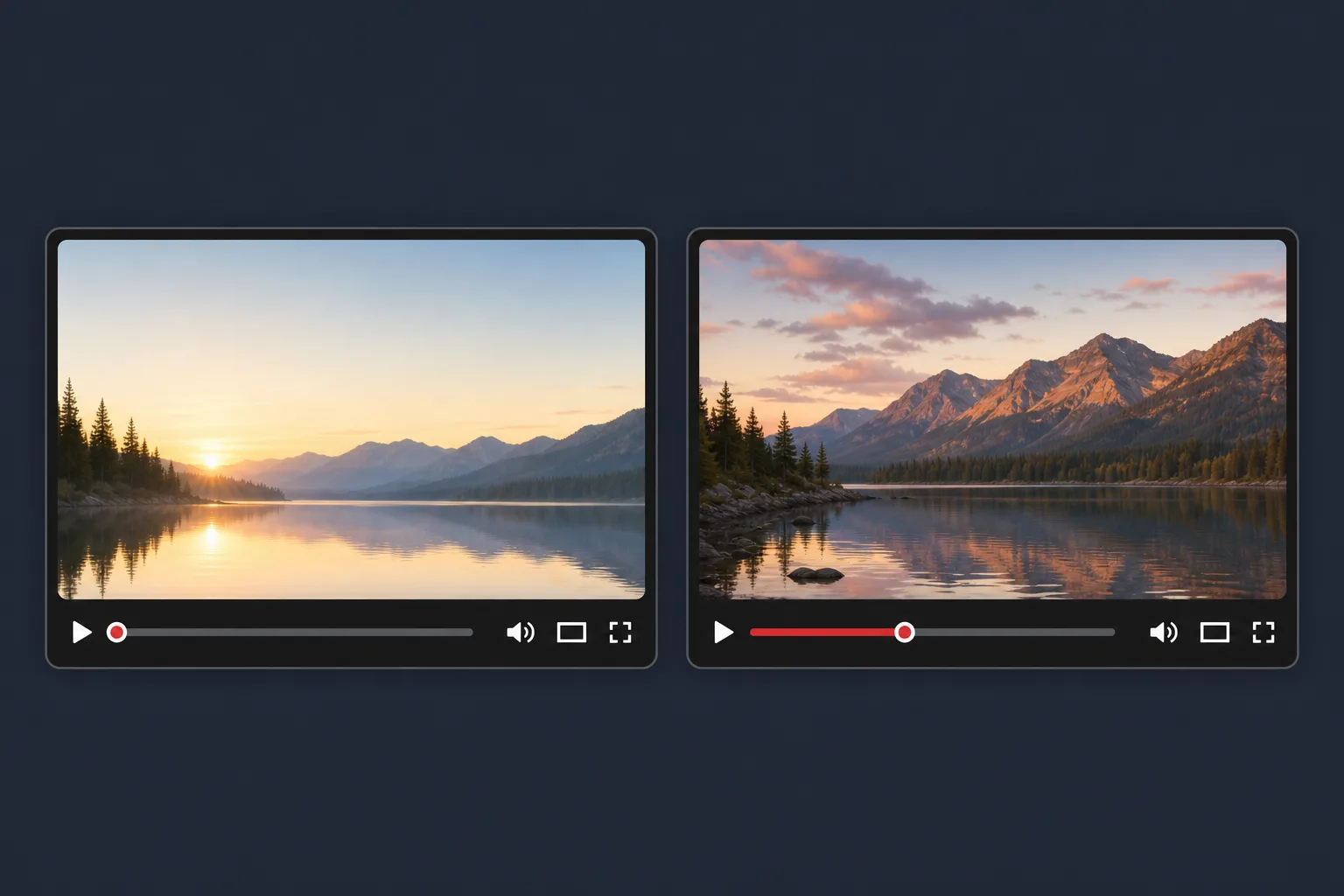
YouTube’s native title and thumbnail tests can compare up to three variations at once, which changes how creators should read the result. The goal is not to crown the option with the most clicks. It is to find the package that produces the strongest watch-time outcome in that test.
That matters because a title or thumbnail is a promise, not the finish line. It sets expectations before the click, and the opening seconds either confirm that promise or lose the viewer. So the useful question is not only “Which version attracted attention?” but “Which version attracted the right attention and held it better after the click?”
Read the label as a decision signal, not as a channel verdict. A winning test is the best-supported package among the options you tested. It is not proof that your channel will grow, that recommendations will rise, or that the same result will repeat on the next upload.
What the native test is actually comparing
YouTube’s Help documentation says the built-in tool supports title-only, thumbnail-only, and combined title-and-thumbnail testing. The variants run concurrently, so you are comparing options side by side rather than inferring from manual before-and-after swaps. YouTube also says tests usually finish in a few days and can take up to two weeks, depending on impressions and other factors. You can review the current feature documentation here.
One practical limitation is easy to miss: if you test a title and thumbnail together, the result belongs to the package. It cannot isolate the independent effect of the title or the thumbnail. If you want a clean read on one element, the other element has to stay fixed.
YouTube also notes that changing the title or thumbnail during the test stops the experiment. Once that happens, the original comparison is no longer intact.
How to read the three result labels
| Result | What it means | How to respond |
|---|---|---|
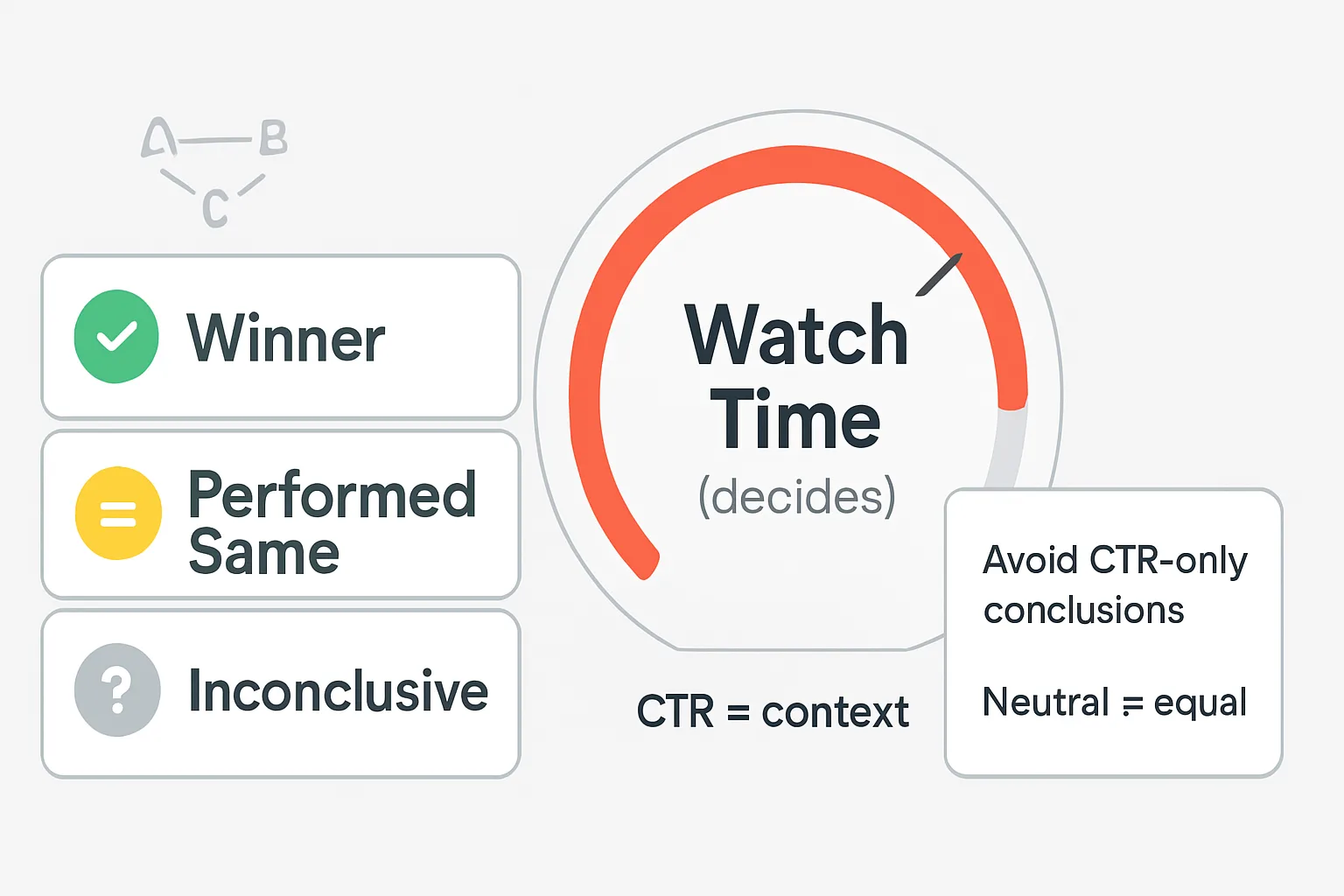
| Winner | One option came out ahead on YouTube’s watch-time-based comparison. | Use it for the tested video unless you have a strong editorial reason not to. |
| Performed Same | The options performed about the same, so no clear winner emerged. | Keep the current package or retest with a more distinct alternative. |
| Inconclusive | The data did not show a strong statistical difference between options. | Treat the result as limited evidence, not as proof that the options are equal. |
The distinction between Performed Same and Inconclusive matters. The first is a neutral outcome in plain language: the versions were not meaningfully separated. The second is a warning about evidence strength: the test did not produce enough signal to establish a clear difference. Neither label should be translated into “these options are identical.”
That caution matters because small variation, limited impressions, and shifting audience mix can make a test look flatter than it really is. YouTube does not publish a universal impression threshold or creator-facing confidence cutoff for every video, so avoid inventing one.
Why CTR needs context, not worship
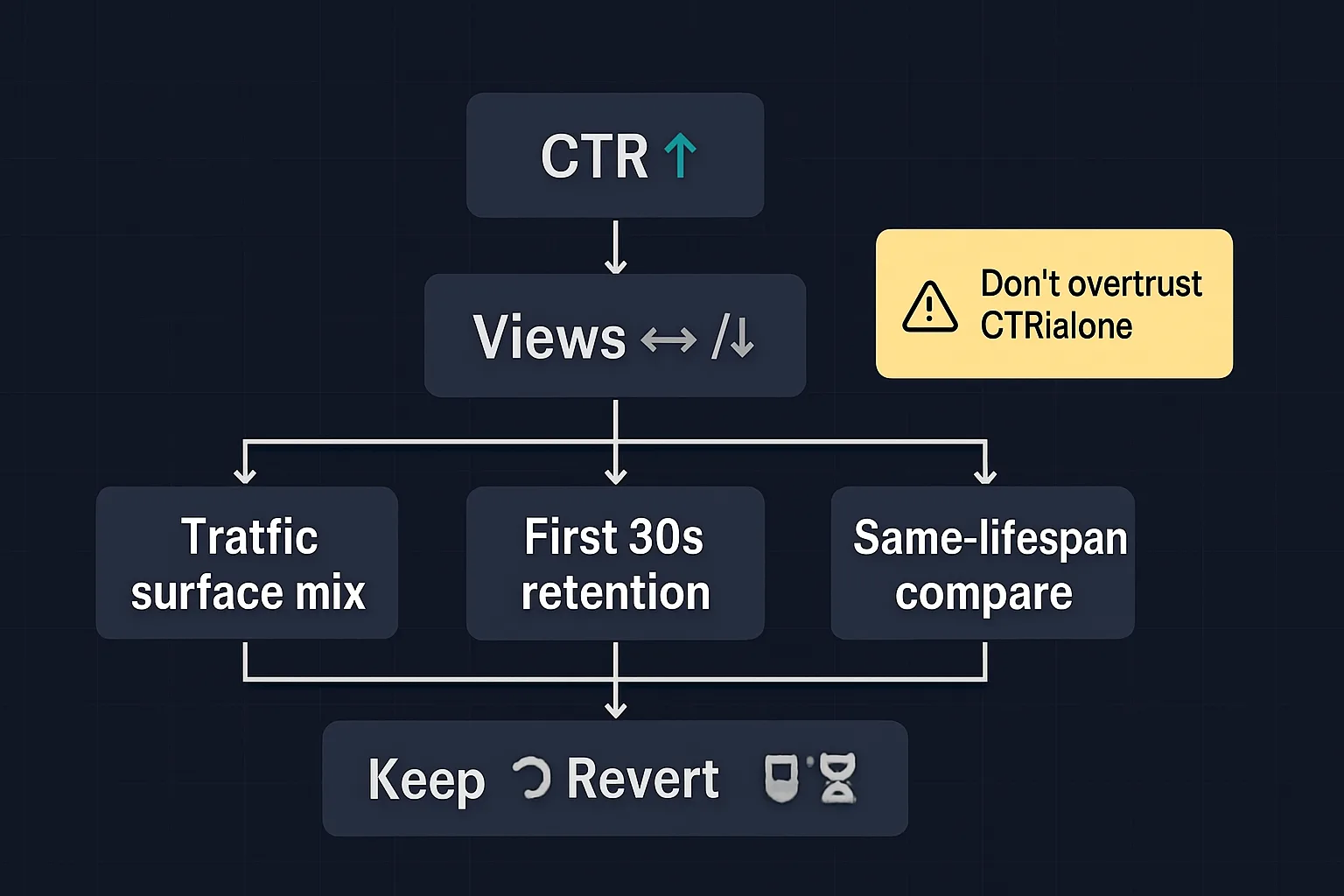
CTR still matters, but it does not tell the whole story. YouTube’s analytics guidance says CTR varies by content, audience, traffic source, and the surface where the impression appears. Search often behaves differently from Home or Browse because the viewer’s intent is different. A search viewer may be looking for something specific, while a homepage viewer is browsing among competing options. You can see the current CTR guidance here.
That is why a higher CTR does not automatically make a package better. A variant can win more clicks yet attract the wrong expectation, leading to weaker viewing behavior after the click. YouTube’s recommendation guidance emphasizes that titles and thumbnails shape expectations, and the opening seconds help confirm whether the video delivers on that promise. YouTube also warns that recommendation systems respond to viewer interactions, not to the mere act of changing metadata.
Use CTR as context, not as the final judge. If the click is good but the watch behavior is weak, the packaging may be persuasive in the wrong way.
What to do after the result
- If YouTube gives you a clear winner, apply it to the video and move on.
- If the result is Performed Same, keep the default or choose based on editorial judgment, not on a fake tie-breaker.
- If the result is Inconclusive, treat the run as underpowered or noisy rather than definitive.
- If you tested title and thumbnail together, do not claim you learned the independent effect of either one.
- If CTR looks different across surfaces, check whether the traffic mix changed before you explain the result.
When there is no clear winner, YouTube defaults to the first uploaded title or combination unless you manually choose another option. That default is practical, not magical. It simply means the platform did not find enough evidence to overrule the original choice.
The best way to read these tests is narrow and disciplined: look for the strongest supported package, respect the neutral labels, and resist the temptation to turn one result into a theory of YouTube growth. If the data says one package worked better, use it. If the data says the field was close or unclear, treat the test as a signal to refine the next comparison rather than as a final answer.