If a video’s public view number looks different after August 24, 2026, don’t assume the audience suddenly paid more attention. YouTube changed what qualifies as a public view, so a current watch-page total may not answer exactly the same question as an older upload’s total.
Use public views to report the newly defined public count. Use engaged views, watch time, average view duration, and retention when you need a broader engagement comparison. An engaged view includes playback past the first frame or playback initiated by a click or tap, so it is not, by itself, proof of extended watching. A higher public total alone does not prove higher reach, attention, or recommendation distribution.
The August 24 definition change in plain language
- Public views
- The public count now includes playback from the first frame under YouTube’s August 24, 2026 methodology.
- Engaged views
- The current name for the former engagement-based view measure. In the reviewed Analytics and Reporting API definitions, an engaged view means playback past the first frame or playback initiated by a user click or tap.
- Scope
- YouTube’s official announcement names Shorts, long-form videos, podcasts, and live content. The reviewed Help Center and API materials independently confirm Shorts, long-form, and live content but do not clarify podcast handling in the same way.
Under the documented methodology, playback can begin through a click or tap, autoplay, or pointer-hover playback. These are documented playback pathways, not a promise that every channel or video will see a specific increase.
YouTube also says recommendations, YPP eligibility, and creator earnings were not changed by this update. That is a statement about the platform’s update, not proof that every audience behaved the same way or that every report will look unchanged.
For the platform’s terminology and scope, YouTube’s explanation of engaged views provides the primary reference.
Four metrics, four different questions
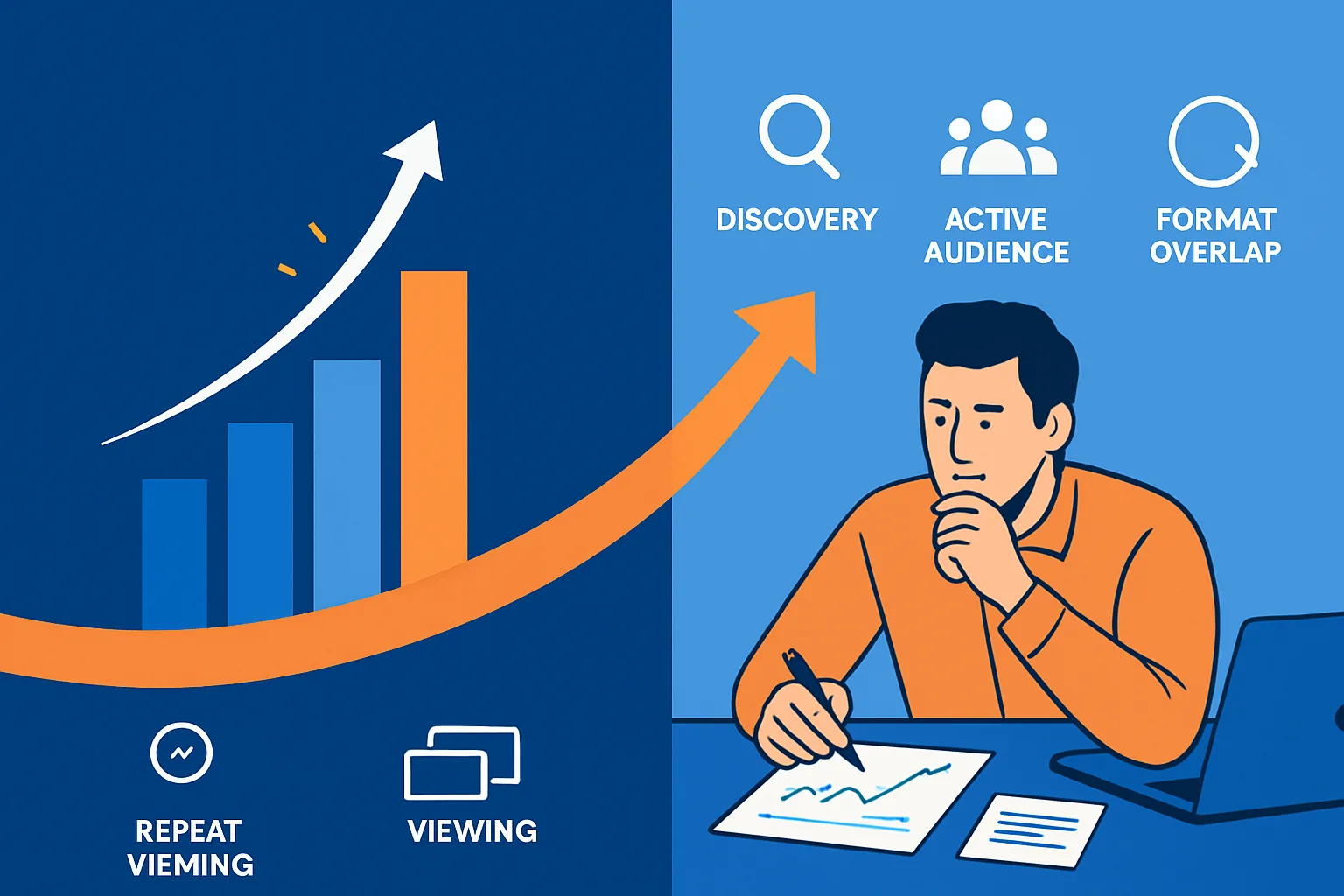
The safest way to avoid a bad comparison is to stop treating every view-related number as interchangeable. YouTube’s documentation treats public views, engaged views, impressions, CTR, watch time, average view duration, and retention as separate metrics.
| Metric | What it helps answer | What it cannot prove by itself |
|---|---|---|
| Public views | How many public views were counted under the current playback definition? | How many unique people watched, how long they watched, or whether attention increased. |
| Engaged views | How many views met the current engaged-view definition? | That every engaged viewer watched for an extended period, was satisfied, or completed the video. |
| Impressions and CTR | How often thumbnails were shown and how viewers responded to those impressions. | The total number of public views or the quality of viewing after playback began. |
| Watch time, average view duration, and retention | How much viewing occurred and how viewing behavior developed through the video. | How many public views were counted or how much thumbnail exposure occurred. |
The first-frame rule changes the entry point for a public view, while the other fields describe different parts of the viewing journey. YouTube’s metric definitions document those fields separately. There is no single conversion formula that turns public views into engaged views, attention, reach, or unique viewers.
Scenario: a September upload compared with a July upload
Imagine a creator comparing a July long-form video with a September video in one performance chart. The September upload has a larger public-view total, but its engaged views and retention are much less different than the headline number suggests.
The July video’s total cannot be assigned wholly to the earlier counting context just because it was published before August 24. Depending on the reporting window, an older upload may have accumulated views under both counting contexts. The September video, meanwhile, was published after the change, but the comparison still needs aligned dates and metric definitions.
Keep both public totals visible if they matter to the report, but label the reporting window and add the August 24 boundary. Bring engaged views and attention measures into the same view. The date changes how confidently you can compare the headline numbers; it does not tell you which video audiences preferred.
Choose the metric by the decision you’re making
For launch monitoring, use the public count for the public count
During a launch, public views can tell you how the newly defined watch-page total is moving. That is useful when someone asks what number is currently visible to the public. It is not enough when the question is whether viewers met the engaged-view definition or how viewing behavior developed. For that, check engaged views alongside watch time, average view duration, and retention as those fields become available in Analytics reports or exports.
The documentation says core analytics such as CTR, average view duration, and retention remain anchored on engaged metrics. Treat those measures as the better basis for interpreting viewing behavior, rather than trying to explain a public-view movement with the public number alone.
Give early figures room to settle. Realtime activity is an estimate, may differ from the public watch-page count, and may take time to appear after publication. YouTube’s engagement-metric guidance documents that limitation. Don’t use one early mismatch to diagnose a platform problem.
For historical charts, mark August 24 as a break
When you maintain weekly or monthly benchmarks, add a visible note for August 24, 2026. Separate pre-change and post-change reporting periods where possible instead of blending them into one clean-looking average that hides the definition change.
Creator-focused commentary recommends using engaged views for more consistent before-and-after analysis. That is practical workflow guidance, not a guarantee about whether every historical chart, export, or old upload was handled in exactly the same way. Keep the original publication date, reporting window, and format attached to each record, and describe the comparison as a change in measurement context where appropriate.
For sponsor reports and media kits, label the number’s job
If a sponsor asks for public views, report the public-view definition and the relevant reporting window. Don’t present public views as reach, impressions, unique viewers, or audience attention. Those are different claims and require different measures.
For a report about audience quality or viewing behavior, pair engaged views with watch time, average view duration, and retention where they are relevant to the question. One set of numbers describes the public count; another describes engagement and viewing behavior.
If you need to separate views from people-based audience measures, this guide to views and unique viewers covers that narrower comparison.
For cross-format benchmarks, compare like with like
Shorts, long-form videos, and live content should not be placed into one benchmark merely because each has a view field. YouTube’s announcement also names podcasts, although the reviewed Help Center and API materials do not independently clarify that scope. Record the format, metric name, and measurement period. A public-view total may describe a format’s current count, but it does not replace engaged or attention measures when the comparison concerns viewing behavior.
How to rebuild a chart or report without blending definitions
You don’t need to erase older reports. You do need to make the handoff visible. Use this sequence:
- Record the reporting window and format. Note the publication date, the dates covered by the report, and whether the measurement window crosses August 24, 2026. Identify Shorts, long-form, live, or another relevant format.
- Label the metric definition. Write “public views” and “engaged views” as separate fields rather than shortening both to “views.”
- Align the comparison period. Compare similar ages, date ranges, and formats while keeping the August 24 boundary visible.
- Inspect engagement and attention measures separately. Review engaged views, watch time, average view duration, retention, impressions, and CTR according to the question being asked.
- Annotate unusual movement carefully. Note the counting change and the possibility of early reporting differences without assigning a universal cause or percentage increase.
For channel managers working with integrations, the field separation matters technically too. The Data API exposes a public viewCount, while the Analytics and Reporting APIs document engaged-view fields separately. Inspect dashboard and export mappings rather than assuming every third-party tool will expose both fields in the same layout. The Analytics API metric changes can help advanced teams verify current terminology.
What the new public count still cannot prove
The decision boundary is simple: public views tell you how the newly defined public count moved. Engaged views tell you how many views met the engaged-view definition, which can provide a stronger engagement comparison but is not by itself a pure measure of extended watching. Impressions describe thumbnail exposure, while watch time and retention describe viewing behavior. None of those fields, read alone, establishes that a video received more reach, stronger recommendations, or more audience attention.