Do YouTube tags still matter? Yes, but only in a narrow way. Their documented use is most relevant when viewers might identify your subject through a common misspelling or a confusing name. They are not a general discovery lever, and they should not take priority over making the video’s promise clear.
YouTube’s accessible guidance says titles, thumbnails, and descriptions matter more for discovery than tags. Use the tag field to address a genuine naming problem, then move on.
What video tags are—and what they are not
- Video tags
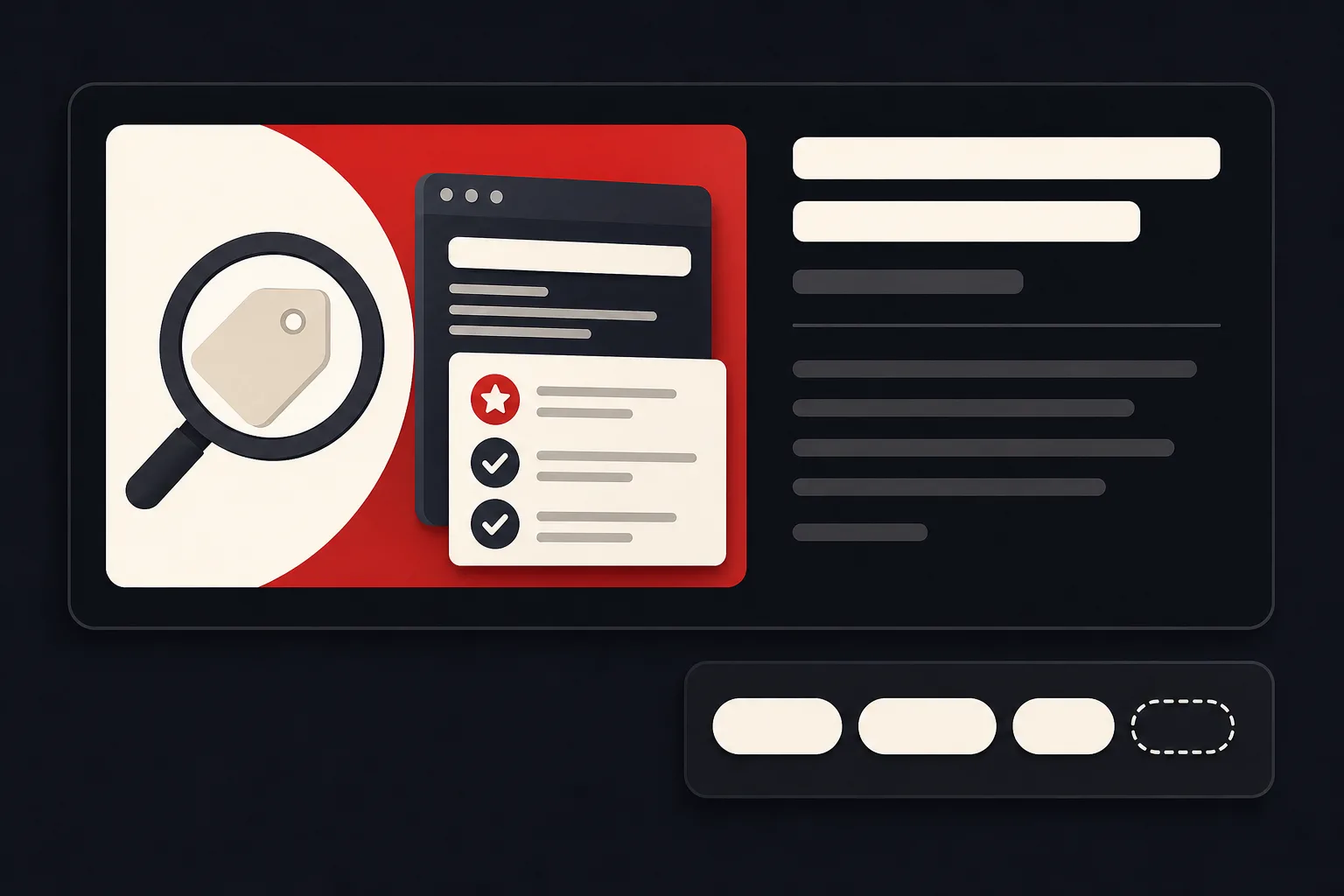
- Descriptive keywords added in the YouTube Studio tag field. They are metadata attached to the video rather than visible text that viewers normally encounter while browsing.
- Hashtags
- Visible, clickable terms placed in a title or description. They lead to hashtag result pages and are separate from ordinary video tags.
- Other video language
- The title, description, spoken content, and captions are not interchangeable with the tag field. Each communicates the video in a different place and should accurately reflect what the viewer will get.
YouTube’s explanation of hashtags makes that distinction especially important: a hashtag is a visible, clickable navigation term. A video tag is a separate Studio field. Adding a word as a tag does not turn it into a hashtag or place it in the title.
Search may consider how a viewer’s query matches the title, tags, description, and video content, along with engagement and quality. YouTube lists those categories, but it does not publish their relative weights. The presence of tags in that explanation is not evidence that adding more of them will create Search traffic.
Public explanations of Home and Suggested describe recommendation signals such as viewing history, likely next viewing, performance, and satisfaction. Those surfaces should not be treated as one tag-driven system or as proof that tags are a meaningful lever there.
An evidence filter for tag advice
Use those labels mentally whenever you hear a confident tagging tip. “Tags mainly help with commonly misspelled subjects” is documented platform guidance. “Keep a variant because it is another way the same audience may name the subject” is a practical heuristic built around that guidance. “Popular videos often contain tags” is a descriptive observation. “This exact number of tags unlocks reach” is unsupported folklore unless credible evidence establishes it.
This distinction matters because reasonable workflow advice can sound like an official ranking rule once it is repeated often enough. YouTube does not publish a universal tag count, character target, ordering advantage, or guaranteed traffic effect in the accessible documentation reviewed here. The useful question is not “How do I fill the field?” It is “Does this term solve a real identification problem for this video?”
Example: one tutorial, three naming problems
A hypothetical software tutorial with an acronym
Here is an invented illustration, not a report about a real product or audience. Imagine a tutorial for a fictional data-transfer tool called “Northstar Data Transfer Console.” For this example, suppose the product is shortened to “NDTC,” some viewers write “North Star” instead, and others commonly mistype “Northstar” as “Northstarre.” These details are deliberately invented to show how the filter works; they are not claims about actual search behavior.
The title should still use the product’s accurate, recognizable name. In the tag field, the acronym and a genuine common misspelling could be reasonable candidates if they refer to the same software. The spaced version could also be worth considering if it is a real way people identify the product, but that is a cautious workflow choice—not a published YouTube rule.
Now remove terms such as “best data software,” a competitor’s product name, and “easy tech tutorial” simply because they seem attractive. They do not clarify this particular video. They invite a different expectation.
When a tag adds useful meaning
Start with misspellings. This is the clearest documented use case in YouTube’s guidance. A person may know a person, product, game, place, or technical term without knowing its exact spelling. If a variant is genuinely common and still points to the subject of your video, it can address that mismatch.
Next come naming variants. Acronyms, shortened names, alternate transliterations, and spacing differences can sometimes help a creator account for how the same subject is described. Keep the evidence boundary clear, though: the supplied YouTube guidance specifically identifies misspellings, not a universal rule covering every alternate name or acronym. Treat these as practical heuristics, not guaranteed discovery features.
The viewer-promise test helps here. Read the title as a promise: what will the viewer learn, make, fix, compare, or understand? A candidate tag belongs only if it identifies that same promise. A tag for “NDTC setup” fits the hypothetical software tutorial above. A tag for “data migration strategy” might not, even if the tutorial briefly mentions migration. The second phrase could attract someone expecting a broader strategy guide.
This is also why copying a tag list from a similar video is a weak editorial choice. Two videos can mention the same product while answering different questions. Your tags should describe your actual video, not the neighboring topic you hope to borrow attention from.
The relevance filter—and the point where you stop
Use this practical workflow inference: a tag should pass three tests.
- It identifies the real subject or viewer question in the video.
- It solves a genuine spelling, naming, acronym, or ambiguity problem.
- It does not create an expectation for a different topic.
Then apply the stop rule: stop when new tags only repeat words already communicated clearly in the title and description, or when they add no useful way to identify the video.
Repetition is not automatically forbidden. It simply is not, by itself, a reason to keep working. The tag field should not become a place to compensate for a vague title, an unclear thumbnail, or a video whose subject is difficult to understand. YouTube’s guidance puts more emphasis on titles, thumbnails, and descriptions, so those are the higher-priority places to clarify the promise.
Relevance also protects the audience. A broad term may look attractive because many people search for it, but it can be wrong for your specific video. A recipe for “lemon rice” should not use tags for unrelated popular dishes. A review of one microphone should not add every famous microphone brand. Unrelated or misleading metadata can create an inaccurate viewer expectation and may raise policy concerns.
- A genuine common misspelling
- An acronym that names the same subject
- A relevant alternate name or spacing variant
- Unrelated trends or broad traffic bait
- Competitor names that are not the video’s subject
- Copied lists, misleading terms, or endless repetition
YouTube warns against excessive tags in descriptions and against unrelated or misleading metadata and hashtags. Keep the relevance safeguard close to the work itself: if you would not use a term to explain what the video is about to a real viewer, it probably does not belong in the field.
What tag count, order, old tags, and Analytics can tell you
There is no evidence-backed universal answer to “How many YouTube tags should I use?” The inspected documentation does not publish an ideal count, a character target, or an ordering advantage. A short set that resolves real naming issues is more defensible than filling available space for its own sake.
The available evidence also does not establish that updating tags on an old video reliably improves discovery. If you revise an older upload, treat the change as a metadata edit—not as a promised traffic fix. The same relevance and stop tests still apply.
After publication, Analytics can show YouTube Search traffic, specific search terms, impressions, click-through rate, watch time, average view duration, Browse traffic, and Suggested traffic. Those reports can help you understand how viewers found and watched the video. The reports alone cannot isolate tags as the cause of a change, especially when the title, thumbnail, audience, timing, and distribution context may also differ.
If Search terms look promising, use them as context for the video’s audience and wording. Do not turn one Analytics movement into proof that a particular tag worked.
Make the small decision and move on
Add tags when they solve a real spelling or naming problem and accurately describe the video’s promise. Consider alternate names and acronyms only when they genuinely identify the same subject. Remove unrelated or misleading terms, and stop once the field adds no new meaning.
If there is no naming problem to solve, put your limited preparation time into the title, description, thumbnail, content clarity, or audience fit instead—and, when needed, audit the title, thumbnail, and opening as one promise.